

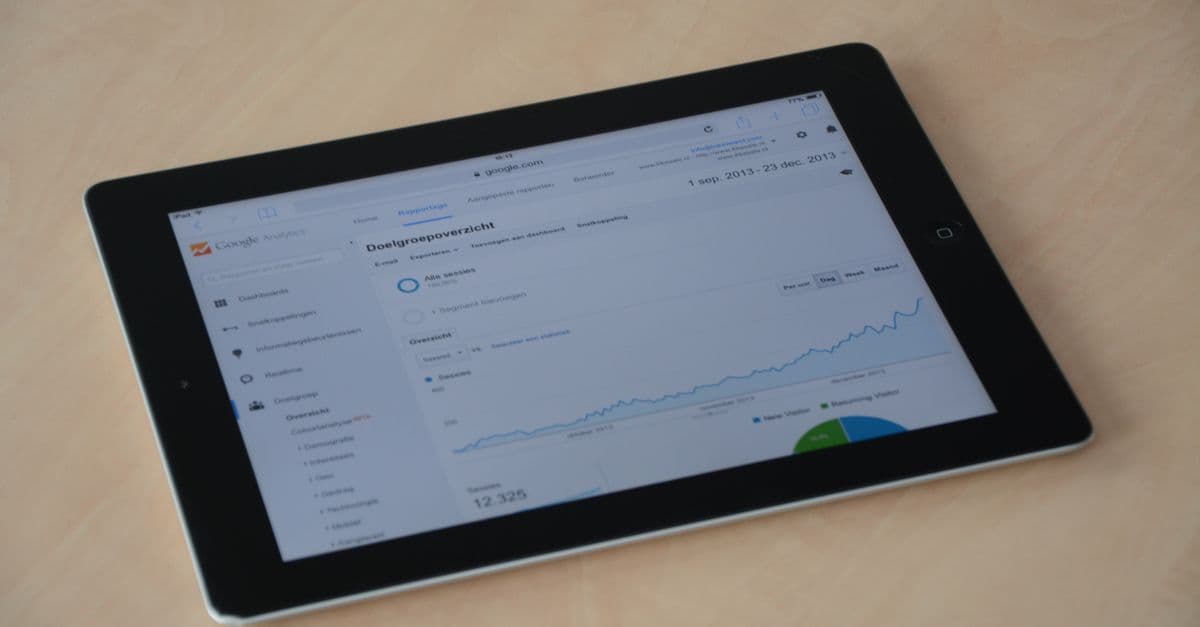
Your analytics dashboard has 200 metrics. You need 7. Here's what service business owners should actually track-and how to use that data to grow revenue.
You have Google Analytics installed. Great. You've looked at it twice in three years. Also great-because most of the data there is useless for service businesses anyway.
Here's the problem: Google Analytics was built for e-commerce. Service businesses don't care about "pageviews per session" or "average session duration." You care about one thing: did this website help me get a customer?
Let's cut through the noise and focus on what matters.
The 7 Metrics That Actually Matter
1. Conversion Rate
What it is: Percentage of visitors who take your desired action (call, form fill, chat).
Formula: (Conversions / Total Visitors) × 100
Why it matters: This is the single most important metric. Traffic means nothing if it doesn't convert.
Benchmarks for service businesses:
| Industry | Average | Good | Excellent |
|---|---|---|---|
| HVAC | 3.2% | 5-7% | 8%+ |
| Plumbing | 4.1% | 6-8% | 10%+ |
| Electrical | 3.8% | 5-7% | 9%+ |
| Roofing | 2.9% | 4-6% | 7%+ |
| Landscaping | 2.4% | 4-5% | 6%+ |
Action items:
- If below average: Focus on website improvements
- If average: Test conversion elements
- If excellent: Focus on traffic growth
2. Traffic Sources
What it is: Where your visitors come from.
Key sources to track:
- Organic Search: People finding you through Google
- Paid Search: Google Ads clicks
- Direct: People typing your URL or from bookmarks
- Referral: Links from other websites
- Social: Social media traffic
- Local/Maps: Google Business Profile clicks
Why it matters: You can't improve what you can't measure. Knowing traffic sources tells you where to invest.
What to look for:
- Which source has the highest conversion rate?
- Which source has the most volume?
- Which source is growing/declining?
Example insight: "Organic traffic converts at 4.2%, but paid traffic converts at 2.8%. Our ads might be targeting the wrong keywords."
3. Cost Per Lead (CPL)
What it is: How much you spend to acquire one lead.
Formula: Marketing Spend / Number of Leads
Why it matters: This connects marketing spend to actual results.
Calculate by channel:
| Channel | Monthly Spend | Leads | CPL |
|---|---|---|---|
| Google Ads | $2,500 | 35 | $71 |
| SEO | $1,500 | 28 | $54 |
| Facebook Ads | $800 | 8 | $100 |
| Direct Mail | $600 | 4 | $150 |
This table tells you where to invest more (SEO) and where to cut back (direct mail).
Target CPL: Should be under 10% of your average job value. If average job is $500, target CPL under $50.
4. Top Landing Pages
What it is: Pages where visitors first enter your site.
Why it matters: These pages determine first impressions. Underperforming landing pages kill campaigns.
What to track:
- Number of entrances
- Bounce rate per page
- Conversion rate per page
- Source of traffic to each page
Example report:
| Landing Page | Entrances | Bounce Rate | Conversion |
|---|---|---|---|
| Homepage | 1,200 | 45% | 3.8% |
| /ac-repair | 450 | 38% | 6.2% |
| /plumbing | 380 | 52% | 2.9% |
| /emergency | 220 | 28% | 8.7% |
Insights from this data:
- Emergency page converts well-ensure paid traffic goes here for emergency keywords
- Plumbing page has high bounce rate-needs investigation
- AC repair page is solid-good model for other service pages
5. Mobile vs. Desktop Performance
What it is: How your site performs across device types.
Why it matters: If 70% of your traffic is mobile but mobile converts at half the desktop rate, you have a mobile problem.
What to compare:
| Metric | Desktop | Mobile | Gap |
|---|---|---|---|
| Traffic share | 35% | 65% | - |
| Conversion rate | 5.2% | 2.8% | -46% |
| Bounce rate | 42% | 58% | +38% |
| Avg. session | 2:45 | 1:12 | -56% |
A large gap indicates mobile experience issues that are costing you leads.
6. Page Speed Metrics
What it is: How fast your pages load.
Key metrics:
- Largest Contentful Paint (LCP): When main content loads
- First Input Delay (FID): Response time to first interaction
- Cumulative Layout Shift (CLS): Visual stability
Why it matters: Speed directly impacts conversion rates.
Benchmarks:
| Metric | Good | Needs Work | Poor |
|---|---|---|---|
| LCP | <2.5s | 2.5-4s | >4s |
| FID | <100ms | 100-300ms | >300ms |
| CLS | <0.1 | 0.1-0.25 | >0.25 |
Tools: Google PageSpeed Insights, Core Web Vitals report in Google Search Console.
7. Local Search Visibility
What it is: How you appear in local search results.
What to track:
- Google Business Profile views
- GBP actions (calls, directions, website clicks)
- Local pack rankings for key terms
- Review count and rating
Why it matters: For service businesses, local visibility often drives more leads than website traffic.
Key metrics from GBP:
- Profile views (monthly)
- Direction requests
- Phone calls (from listing)
- Website clicks
- Photo views
Setting Up Analytics Correctly
Most service business analytics are broken. Common issues:
Problem 1: No Conversion Tracking
Symptom: You know visitors came but not who converted.
Fix: Set up goals in Google Analytics:
- Form submissions (destination goal)
- Phone clicks (event goal)
- Chat initiations (event goal)
Problem 2: Not Tracking Phone Calls
Symptom: You see form submissions but 80% of your leads call.
Fix: Implement call tracking (CallRail, CallTrackingMetrics) and integrate with Google Analytics.
Problem 3: Wrong Attribution Model
Symptom: All conversions attributed to "Direct" even when you're running ads.
Fix: Ensure UTM parameters on all campaigns. Review attribution model settings.
Problem 4: Spam Traffic
Symptom: Huge spikes from random countries. 5-minute average session times.
Fix: Add filters to exclude bot traffic. Review referral sources for spam domains.
The Monthly Analytics Review
Don't check analytics daily-you'll go crazy and overreact to noise. Monthly reviews are sufficient for most service businesses.
30-Minute Monthly Review Agenda
1. Overall Performance (5 minutes)
- Total visitors vs. last month
- Total conversions vs. last month
- Conversion rate vs. last month
2. Traffic Sources (10 minutes)
- Which sources grew?
- Which sources shrank?
- Any new sources appearing?
3. Top Pages (5 minutes)
- Any pages with unusual bounce rates?
- Any conversion rate changes on key pages?
- Which pages need attention?
4. Mobile Performance (5 minutes)
- Mobile conversion rate trend
- Any mobile-specific issues?
5. Action Items (5 minutes)
- What needs fixing?
- What should we do more of?
- Any tests to run?
Building a Simple Dashboard
You don't need 50 widgets. Here's a template:
Service Business Analytics Dashboard
Row 1: Big Picture
- Total visitors (with trend)
- Total conversions (with trend)
- Conversion rate (with trend)
- Cost per lead (with trend)
Row 2: Traffic Breakdown
- Visitors by source (pie chart)
- Conversions by source (pie chart)
- Conversion rate by source (table)
Row 3: Performance
- Top landing pages (table with key metrics)
- Mobile vs. desktop comparison (side-by-side)
- Page speed score (single number)
Row 4: Local
- GBP profile views
- GBP actions
- Review count
Tools: Google Data Studio (free), Databox, Klipfolio
What to Ignore
These metrics sound important but waste your time:
Pageviews
Why to ignore: A visitor looking at 10 pages without converting isn't valuable. One visitor who converts from one page is.
Average Session Duration
Why to ignore: Longer sessions could mean engaged visitors or confused visitors who can't find what they need. It tells you nothing without context.
Bounce Rate (Alone)
Why to ignore: A 70% bounce rate on your homepage is concerning. A 70% bounce rate on a blog post is normal. Context matters.
New vs. Returning Visitors
Why to ignore: Service businesses mostly get new visitors. Someone doesn't "return" to a plumber's website for fun.
Demographics
Why to ignore: Knowing visitors are "25-34 males interested in technology" doesn't help you fix a leaky faucet for them.
Connecting Analytics to Revenue
The ultimate goal: know how much revenue your website generates.
Full-funnel tracking:
Website Visit → Form/Call → Lead → Quote → Job → Revenue
Track these connections:
- Marketing channel → Website conversion (Analytics)
- Website conversion → CRM lead (Form integration)
- CRM lead → Closed job (CRM)
- Closed job → Revenue (CRM/accounting)
Monthly calculation:
- Organic search brought 28 leads
- 8 became jobs
- Average job value: $425
- Organic search revenue: $3,400
Now you can calculate true ROI for every channel.
Your Next Step
Analytics should answer one question: "Is my website working?"
If you can't answer that question right now, your analytics need work.
Get a free website audit and we'll review your current analytics setup, identify tracking gaps, and show you exactly what your website is (and isn't) doing for your business.
Because data you don't have can't help you grow.